When users browse a website or app, what often distinguishes a frustrating experience from a delightful one isn’t a major feature — it’s the micro interactions UX. These are the subtle animation cues and design moments that guide users, confirm actions, and improve overall usability. Understanding and mastering micro interactions UX can transform your product from usable to exceptional.
This article explores what micro interactions UX are, why they matter for usability, how animation cues enhance user experience, and how to design them for maximum impact.
What Are Micro Interactions UX?
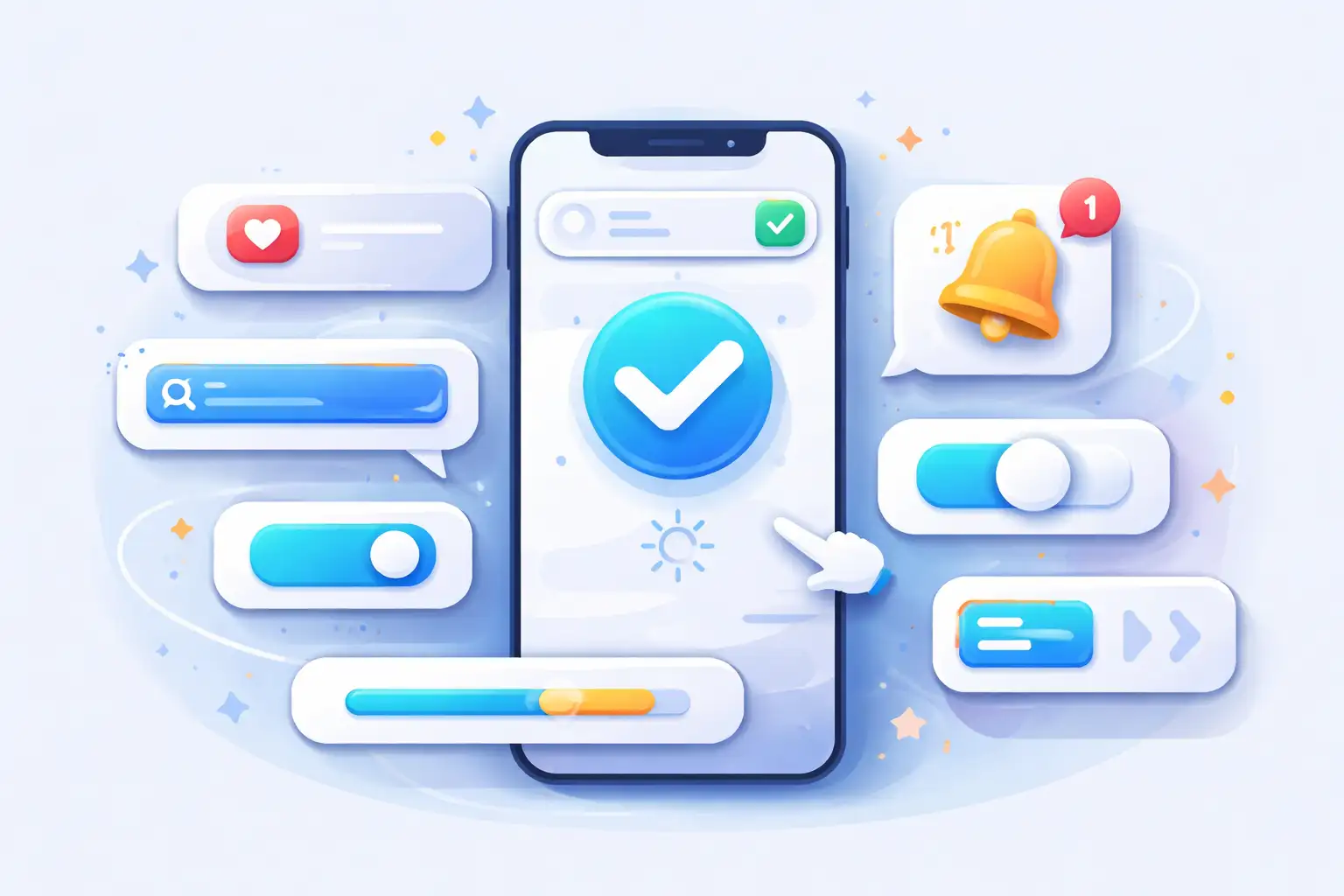
At their core, micro interactions UX are small, single-purpose interactions that occur within a digital product. They typically provide animation cues or visual responses to a user’s action — like a button that changes color when clicked or a progress bar that fills up while a task is processing.
Key Characteristics:
- Triggered by a user action or system event
- Deliver visual or auditory feedback
- Often use animation cues to enhance clarity
- Designed to improve usability and user confidence
Examples of Micro Interactions UX
Real-world examples include:
- A heart or like icon that animates when tapped
- Form fields that display realtime validation feedback
- Loading spinners that signify system processing
- Swipe gestures with visual feedback
- Menu hover animations that preview interactivity
Why Micro Interactions UX Matter
Even though they are small, micro interactions UX have a huge impact on user behavior and satisfaction.
1. Provide Instant Feedback
Users need to know their actions are recognized. Visual animation cues — like buttons that briefly enlarge or highlight — let users instantly see that their action was successful, reducing confusion and frustration.
2. Boost Usability
Micro interactions improve usability by making interfaces feel intuitive. Subtle animations, like hover effects or progress indicators, act as add-ons that guide the user smoothly through tasks.
3. Increase Engagement
Smart micro interactions UX can improve engagement metrics significantly. Research shows interfaces with animation cues and interactive feedback can increase return visits and engagement.
4. Reduce Errors
Real-time feedback helps users avoid mistakes before submission, enhancing usability and streamlining interactions.
5. Strengthen Brand Identity
Thoughtful design and meaningful animation cues make user experiences more memorable and reinforce brand personality.
Research & Industry Insights
Latest UX studies confirm the value of micro interactions UX and animation cues:
- Interfaces with engaging visual feedback see higher engagement than static designs.
- Subtle animation cues in form validation can reduce user correction time by as much as 30%.
- Users prefer interactive cues over plain static responses, reporting better clarity and satisfaction.
How Micro Interactions UX Work: Core Elements
Every effective micro interaction follows a simple structure:
Trigger
The stimulus that starts the interaction (e.g., click, swipe, hover).
Rules
What happens when the trigger occurs — this could be an animation or change in state.
Feedback
How the system communicates back to the user (visual, haptic, audio).
Loops & Modes
Whether the interaction repeats or changes based on different conditions.
Best Practices for Designing Micro Interactions UX
To ensure micro interactions UX enhance usability rather than distract from it, follow these guidelines:
1. Be Purposeful
Every animation cue should serve a functional purpose — to inform, guide, or delight — not just to decorate.
2. Keep It Subtle
Too much motion can overwhelm or slow down performance, hurting usability instead of helping it.
3. Provide Immediate Feedback
Users should instantly understand that their action was registered — usually within a fraction of a second.
4. Maintain Consistency
Use consistent animation cues and interaction patterns across your UI to build familiarity and reduce learning curves.
5. Test With Real Users
Usability testing helps determine whether micro interactions actually improve experience or cause distraction.
Examples That Get It Right
Here are real interface patterns that use micro interactions UX well:
Button Feedback: A color shift and simple scale animation when users tap a button increases usability by signaling a response.
Loading Indicators: Progress bars or spinners reassure users that the system is working.
Form Validation Cues: Inline checkmarks and animated hints guide users through requirements.
Swipe Gestures: Visual motion when swiping to delete or archive makes interactions feel natural.
How AI Tools Tie In
AI tools like ChatGPT and Gemini can analyze user interaction paths and recommend locations for impactful micro interactions UX. They can help generate prototypes, test animation timing, and refine usability based on real interaction data.
Conclusion
Micro interactions UX may seem like tiny details, but they’re big levers for usability and engagement. When done right, animation cues make digital experiences feel intuitive, responsive, and delightful — all of which keeps users happy and coming back.
By understanding user intent, applying purposeful design, and evaluating how micro interactions affect usability, you can lift your product from good to great.